
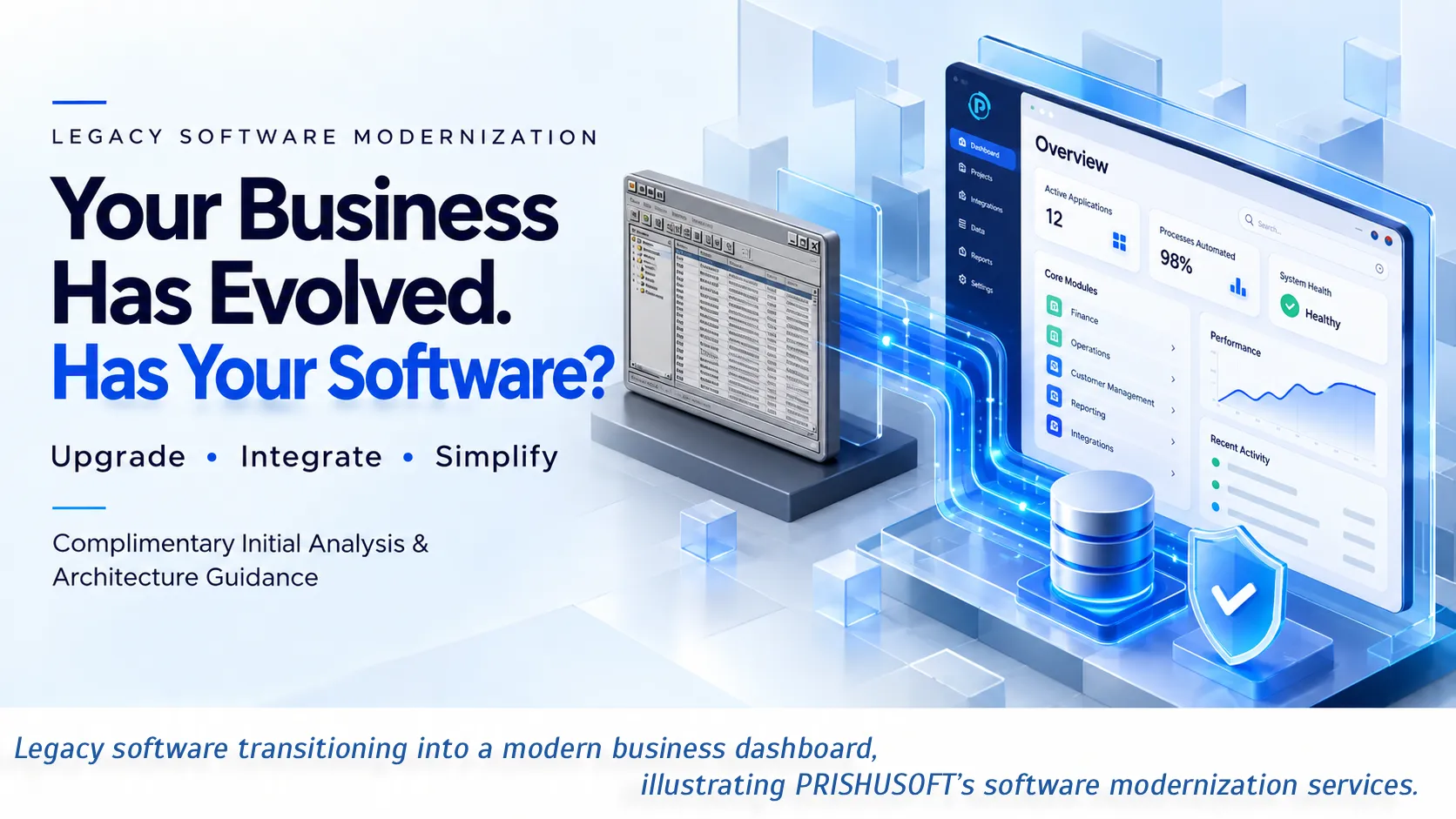
Legacy Software Modernization: How to Upgrade Your Business Software Without Starting from Scratch
Your software still runs. Your team uses it every day. It holds years of customer records, transactions, and business rules.
Yet making changes has become difficult.
A small feature takes longer than expected. Reports need manual corrections. Employees move information between the application and spreadsheets. Connecting a new service feels like a separate project.
You know the software needs attention. The difficult part is deciding how much to change, what to keep, and how to protect the business while the work happens.
Legacy software modernization starts with understanding what your business needs from the system today.
The right approach may involve improving selected modules, upgrading the underlying technology, redesigning the interface, or gradually replacing parts of the application. A complete rebuild is one option, but it should follow an assessment rather than be the default recommendation.
What Is Legacy Software Modernization?
Legacy software modernization is the process of updating an existing application so it can continue supporting your business effectively.
That may include:
Upgrading outdated frameworks and dependencies.
Improving application performance and database queries.
Replacing difficult or outdated screens.
Connecting the system with other business tools.
Strengthening authentication and access controls.
Moving to a more suitable hosting environment.
Reworking modules that are expensive to maintain.
Migrating data into an improved or replacement system.
An application does not become a modernization candidate simply because it is old. The more useful question is whether it remains dependable, maintainable, and suitable for the way your business operates.
Signs Your Business Software Needs an Upgrade
Problems often build gradually. Teams find workarounds, and those workarounds eventually become part of the daily routine.
Simple Changes Take Too Long
- Adding a field, changing an approval rule, or updating a report should have a reasonably predictable scope.
- If every request requires extensive investigation or breaks something elsewhere, the application may have tightly connected components, missing tests, or poorly documented business logic.
Your Team Depends on Spreadsheets Outside the System
- Employees export information, correct it manually, and send it to another department. Someone then enters the same information back into the software.
- These extra steps can indicate that the application no longer supports the complete business process.
Performance Affects Daily Work
- Slow searches, delayed reports, and screens that struggle during busy periods cost employees time.
- The cause may be inefficient queries, infrastructure limitations, application design, or a combination of factors. An assessment should identify the bottleneck before a solution is proposed
Integrations Are Difficult to Build
- Your business wants to connect accounting software, customer portals, payment services, or reporting tools, but the current application makes data exchange difficult.
- Improving integration capabilities can sometimes deliver substantial value without replacing the entire system.
Maintaining the Application Depends on One Person
- When only one developer understands how the software works, even routine maintenance becomes vulnerable to their availability.
- Clear documentation, a repeatable deployment process, and shared technical knowledge are valuable modernization outcomes.
Security and Access Controls Have Fallen Behind
- Outdated dependencies, shared accounts, excessive permissions, and limited activity logs can create problems that deserve attention.
- An upgrade provides an opportunity to review these areas and introduce controls appropriate to the application and its users.
Should You Upgrade, Modernize in Phases, or Rebuild?
The answer depends on the condition of your software and the changes your business needs.
| Approach | When it may fit | What it involves |
| Targeted upgrade | The application largely meets business needs | Update dependencies, fix performance issues, improve selected screens or features |
| Phased modernization | Parts of the system work well, while others limit progress | Replace or improve modules gradually, with planned integration between old and new components |
| Complete rebuild | The existing design cannot reasonably support the required changes | Develop a replacement application and manage data migration, validation, and transition |
A targeted upgrade may be enough when the core workflows remain useful.
Phased modernization can suit businesses that need to keep operating while gradually improving the system. It requires careful planning around shared data, interfaces, and the order of delivery.
A rebuild may be appropriate when limitations are widespread. It also requires a thorough understanding of the existing system, including the small business rules that users rely on but nobody has documented.
The decision should account for delivery cost, operational disruption, future maintenance, and the value of the improvements.
What Can Be Improved in Your Existing Software?
A useful modernization plan connects each technical change to a business need.
Make Everyday Tasks Easier
- Modernization can simplify navigation, reduce duplicate entry, improve search, and make frequently used screens easier to work with.
- Start with the tasks employees perform most often. A better order-entry process may matter more than a redesigned dashboard that few people use.
Improve Performance Where It Matters
- Database tuning, background processing, caching, and infrastructure changes may help, depending on the cause of the problem.
- Agree on measurable targets for important operations, such as search response time or report completion time, so improvements can be assessed.
Connect Your Business Systems
- Integrations can help information move between sales, operations, finance, and customer-facing services.
- For example, an approved order could become available to the fulfilment team without someone copying its details into another tool.
Improve Reporting and Visibility
- A modernization project can address inconsistent reports, unclear status information, and missing operational views.
- The underlying definitions matter as much as the presentation. Teams need to agree on what figures mean and which records are authoritative.
Introduce Useful Automation and AI
- Once data access and workflows are understood, there may be opportunities to automate document handling, prepare summaries, or assist employees with information retrieval.
- These capabilities should address a specific task. They also need suitable permissions, validation, and review steps.
How to Modernize Legacy Software While Keeping the Business Running
A controlled transition begins well before development.
1. Assess the Current Application
- Review the code, database, infrastructure, integrations, known issues, and deployment process.
- Speak with the people who use the system. They can explain which features are essential, where work gets delayed, and which unofficial workarounds keep things moving.
2. Define the Business Priorities
- Separate urgent issues from improvements that can wait.
- The first phase might focus on stabilising a critical workflow, improving a slow reporting process, or removing a dependency that makes maintenance difficult.
- A clear priority list prevents the project from expanding into an unfocused redesign.
3. Design the Architecture and Delivery Plan
- Decide which components will remain, which will change, and how they will communicate during the transition.
- The plan should explain dependencies, responsibilities, release stages, and the conditions for moving to the next phase.
4. Prepare and Validate the Data Migration
- If data needs to move, identify its structure, quality issues, relationships, and historical requirements.
- Test the migration with representative records. Check totals, linked records, attachments, and important business scenarios.
- A successful import alone does not prove that the information is complete or usable.
5. Test Real Business Workflows
- Include routine tasks and exceptions.
- What happens when an order is cancelled? When an approval is rejected? When an external service is unavailable? When a user needs to correct an older record?
- Business users should help confirm that the upgraded software supports these situations.
6. Plan the Release and Handover
- Agree on the transition window, backups, recovery arrangements, user communication, and support responsibilities.
- Provide the documentation and walkthroughs needed to operate and maintain the application after release.
- Continuity needs to be planned and tested. It should not depend on an assumption that the launch will go smoothly.
What Determines the Cost of a Legacy Software Upgrade?
A reliable estimate needs more than a list of screens.
Important factors include:
The condition and accessibility of the source code.
The number and complexity of business workflows.
Database size, structure, and data quality.
External integrations and dependencies.
Security and access requirements.
The extent of interface changes.
Testing, migration, and transition requirements.
Documentation and support expectations.
An initial assessment helps turn these unknowns into a defined scope.
It also helps identify which improvements deserve investment first. Some applications need focused repairs and upgrades; others need a broader modernization programme.
Common Mistakes to Avoid
How PRISHUSOFT Can Help Modernize Your Softwaree
PRISHUSOFT supports businesses that need to improve existing applications, resolve technical limitations, or plan a replacement system.
You can approach us with a clear upgrade requirement or simply explain what is no longer working well.
Complimentary Initial Analysis and Architecture Design
We offer complimentary initial analysis and architecture design guidance to help you understand the options before committing to development.
The initial discussion can cover:
- Your current software and the problems affecting your team.
- The workflows and features that need to be preserved.
- Opportunities for targeted upgrades or phased modernization.
- An initial architecture direction.
- Major integration and migration considerations.
- A practical starting scope and the next steps for estimation.
The depth of this initial review depends on the information available. Detailed audits, implementation specifications, and development scope can be agreed after the initial assessment.
Support Across the Full Project
- PRISHUSOFT can support analysis, architecture, development, integration, testing, deployment, and maintenance.
- This helps keep the technical decisions connected to the original business requirements throughout delivery.
Experience Across Connected Business Applications
- Our work covers business applications involving customer records, operational workflows, reporting, payments, and third-party integrations.
- That experience is useful when an upgrade affects more than a single application screen or module.
Flexible Ways to Work Together
- Depending on your needs, PRISHUSOFT can provide a defined project team or dedicated developers who collaborate with your existing team.
- If you already have internal technical staff, we can support a specific modernization phase or provide additional delivery capacity.
Clear Scope, Progress, and Handover
- We work with agreed requirements, staged reviews, and regular communication
- The delivery plan can include acceptance criteria, migration responsibilities, documentation, and handover requirements, giving your team a clearer basis for reviewing progress.
Frequently Asked Questions
Let Us Review What Your Software Needs Next
You do not need to decide between an upgrade and a rebuild before speaking with us.
Start with the problems your team faces today: slow performance, difficult changes, disconnected systems, manual work, or an application that can no longer support your plans.
PRISHUSOFT will help you explore a practical way forward with complimentary initial analysis and architecture design guidance.
Ready to Build Something Amazing?
Get in touch with Prishusoft – your trusted partner for custom software development. Whether you need a powerful web application or a sleek mobile app, our expert team is here to turn your ideas into reality.
